Best deals
Prices are as seen on the day. You book with the seller.
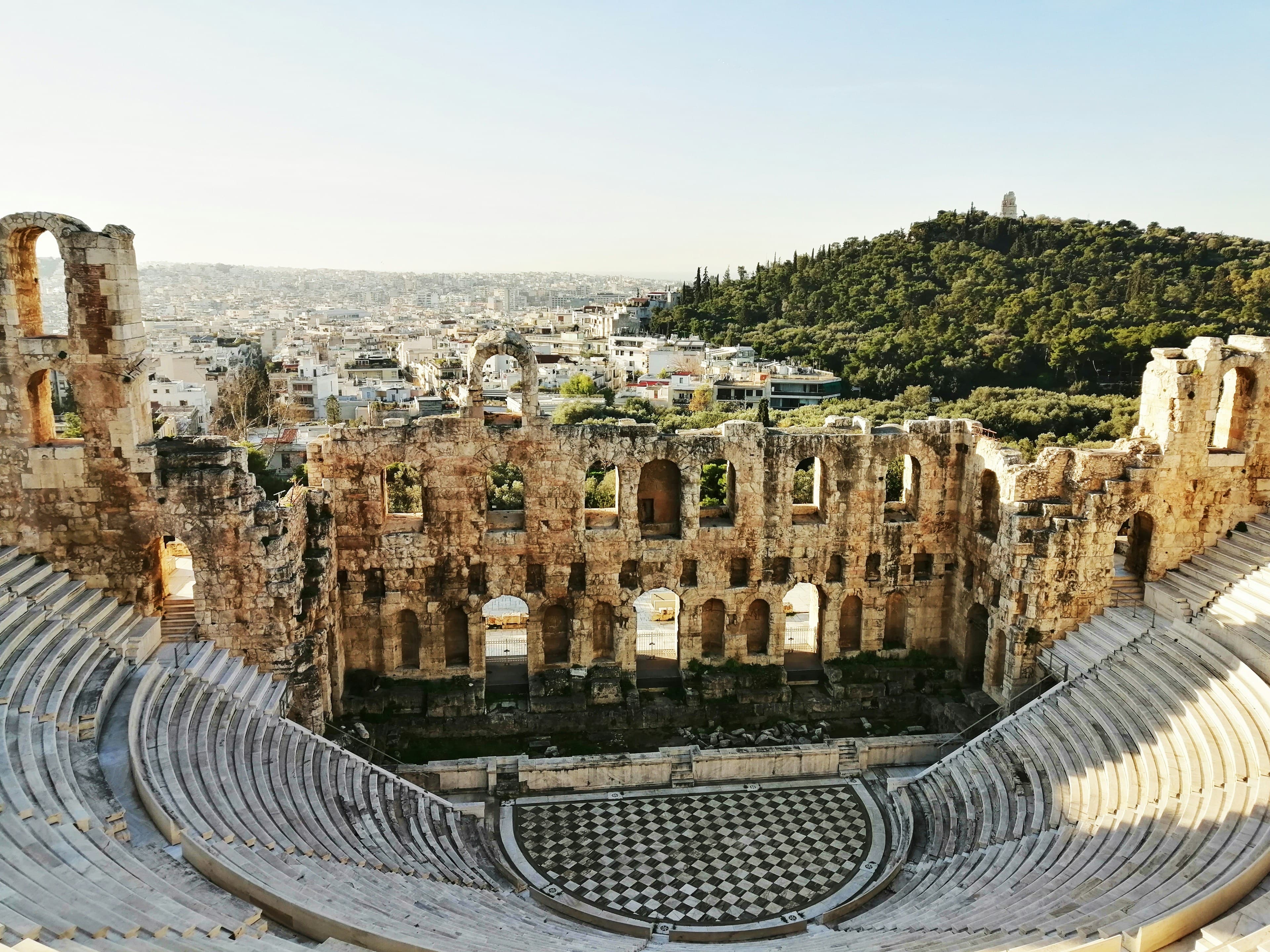
























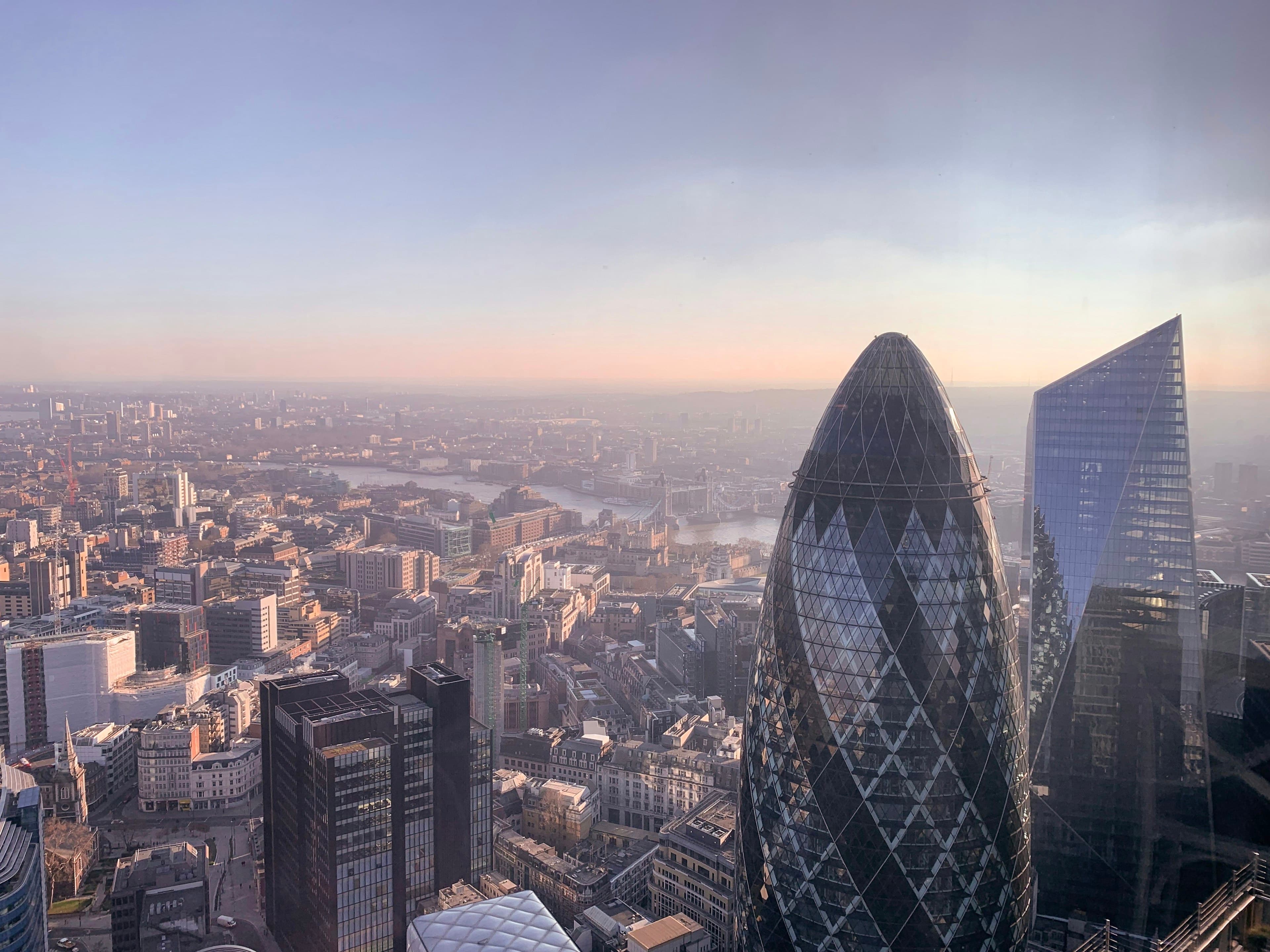








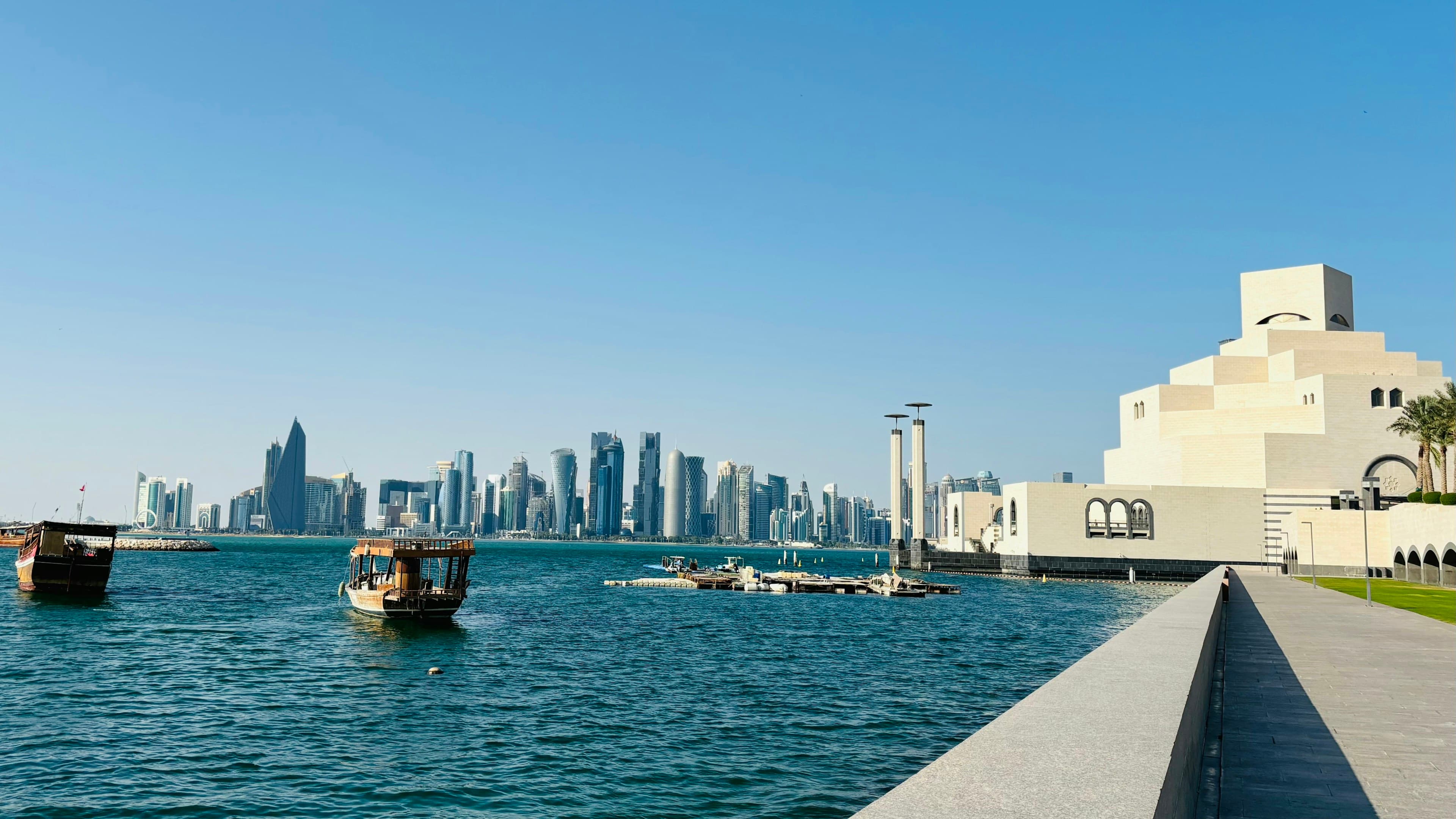





Each price is what Kaviqa saw when it found or last checked the deal, not a live quote. Fares change quickly, so confirm the final price on the seller’s site before you pay. Photos: Unsplash.
What Kaviqa does
Cash hacks
Kaviqa compares split tickets and alternate routes with the usual fare, so you see the saving and the trade-offs before you book.
Free to search
Points and Cash & Points
Search Qantas and Velocity reward seats, or pair a points seat with a cash fare on a separate ticket.
Free for the next 60 days
Free account
Save favourite routes and set airline preferences, so your next search starts where you left off. Later Points departures are for members.
No card needed
The Kaviqa promise
Fees shown before you pay
Kaviqa adds nothing to the price of a deal: you pay the seller. When you book with Kaviqa, any booking fee is shown before you pay. Bags, seats and the seller’s own payment charges can cost extra.
No pressure timers
Kaviqa shows no made-up countdown clocks and no “only 2 left” counters. The one timer you may see is the price hold at checkout, counting down to when the fare expires.
You book with the seller
On a deal page the booking button takes you to the airline or booking site that sells the ticket. You pay them, not Kaviqa, and each deal shows when we last saw its price.
Cancel online
A Kaviqa membership is cancelled online from your Billing page, with no email or phone call, and you keep your benefits until the end of the period you have paid for. If a payment is overdue, pay it first, then you can cancel. If your access came through XELA, the Billing page says how to change it.
Questions? Email support@kaviqa.com.